


Conversion workspace
FormatFlowTeam
Every format in one conversion workspace for iPhone and iPad.
How the flow works
Pick a pipeline, drop content, preview, and share — the same rhythm on phone and tablet.
-
1
Open the Converter Hub
Jump between image, document, text, data, and encoding tools without leaving a single workspace shell.
-
2
Run a batch queue
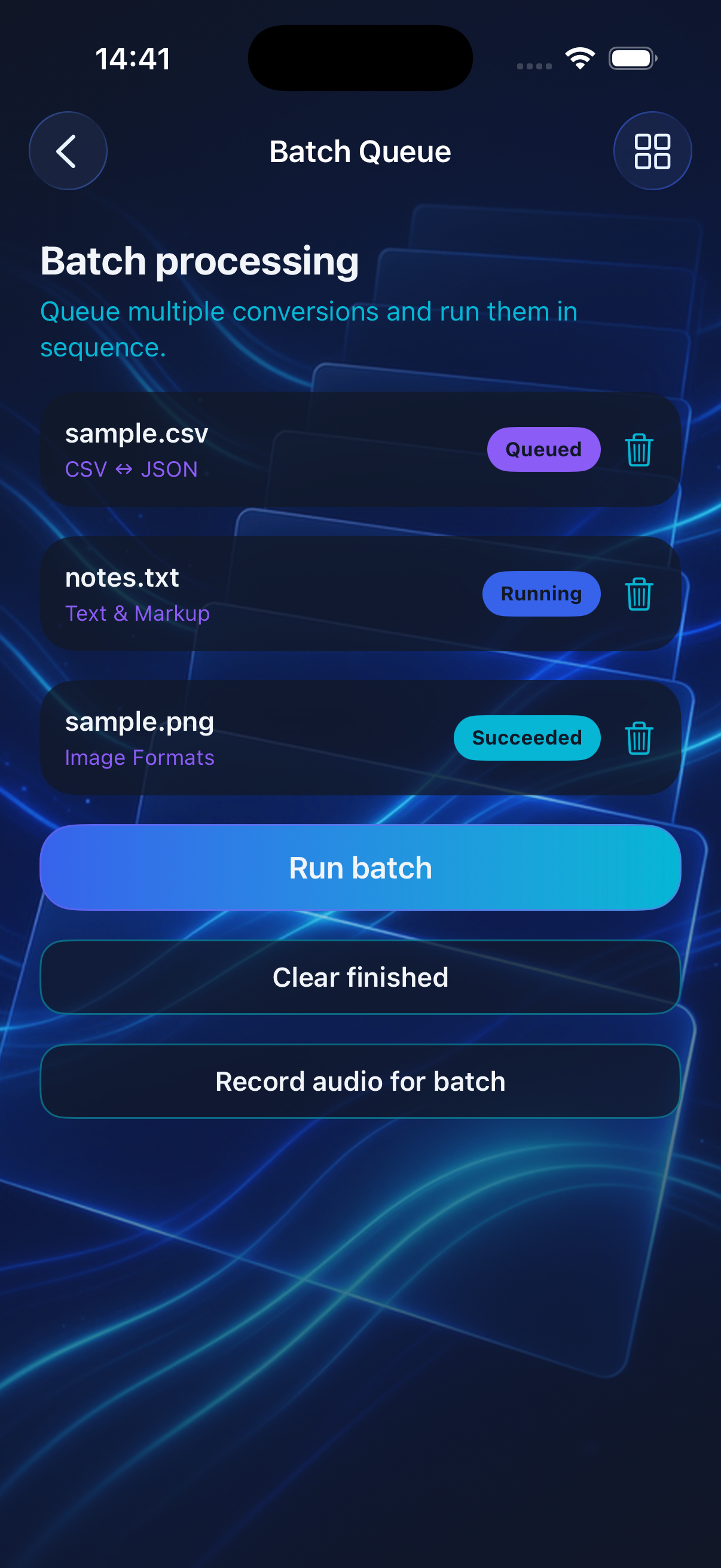
Stack conversions, execute them in order, and share finished exports from the batch screen when jobs complete.
-
3
Preview before export
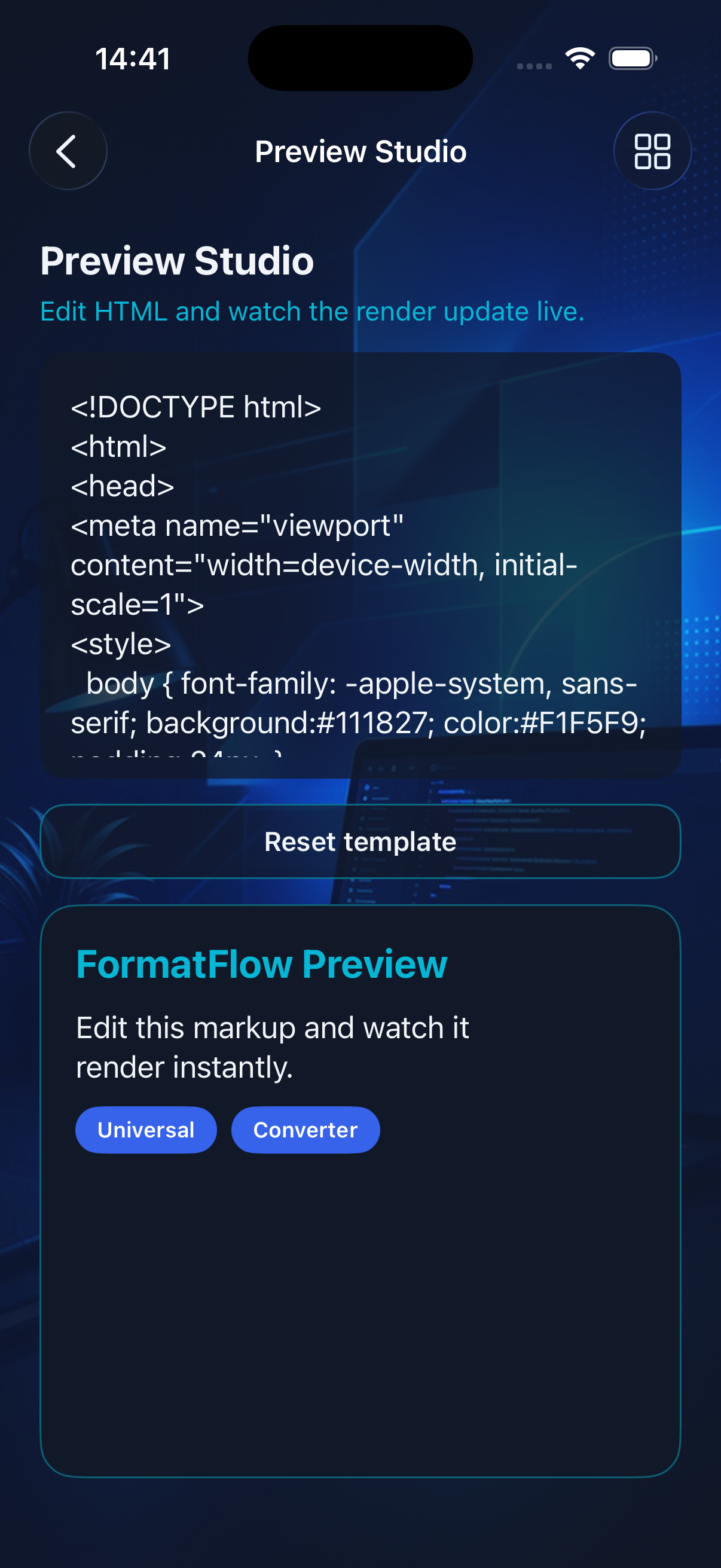
Edit HTML in Preview Studio, visualize markup live, then send output to PDF, share sheets, or the next pipeline step.
Inside the app
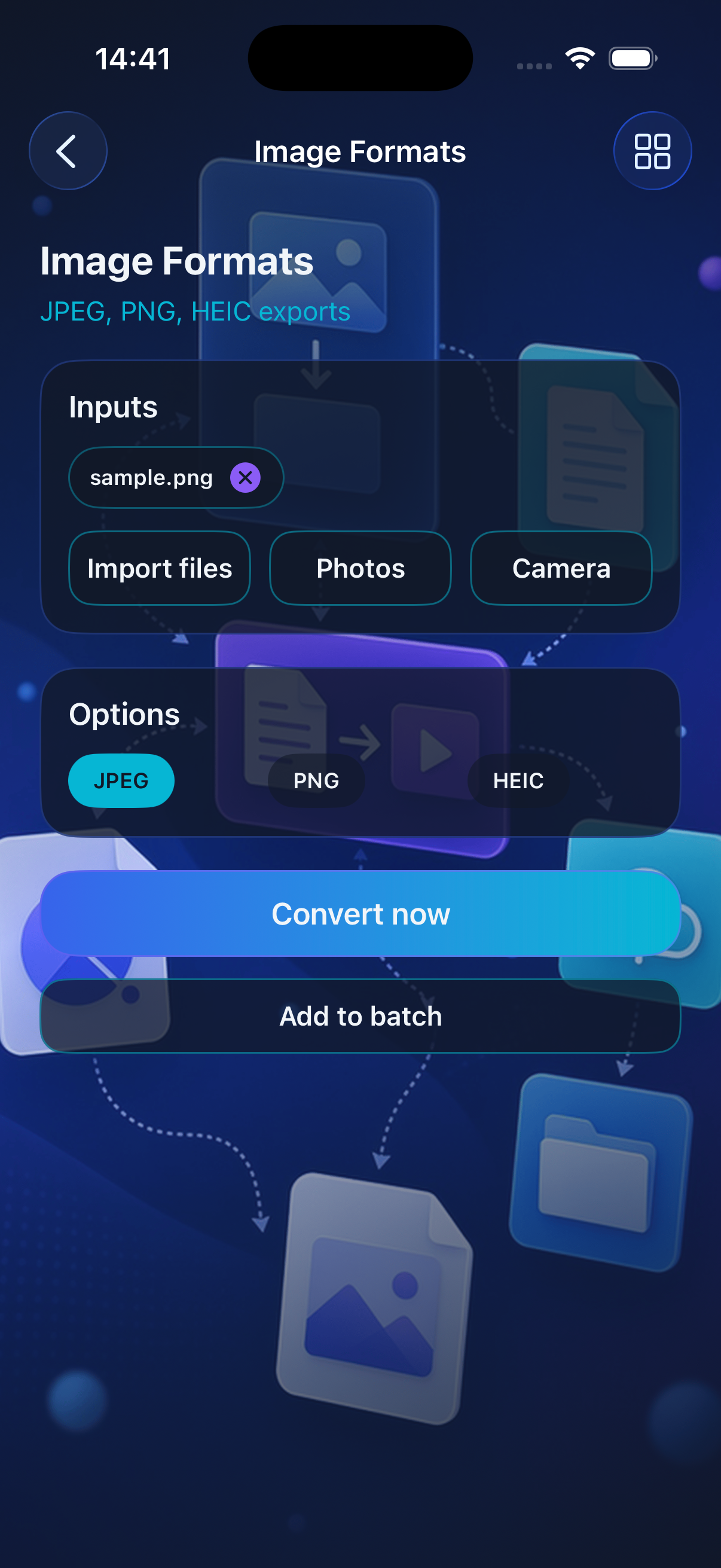
Real captures from Preview Studio, Batch Queue, and image format tools.
Atmosphere

Privacy Policy
FormatFlowTeam stores the conversions and preferences you create on your device. We do not collect personal data through this app.
Support
Need help with a pipeline, batch job, or export? Reach out by email and include your iOS version and which tool you used.